What an Invisible Meeting Assistant Can Do
By Assistly ·
A difficult question lands. A prospect challenges your pricing. An interviewer asks for a technical detail you have not used in months. You have seconds to respond, and the visible signs of scrambling are often as costly as the answer itself.
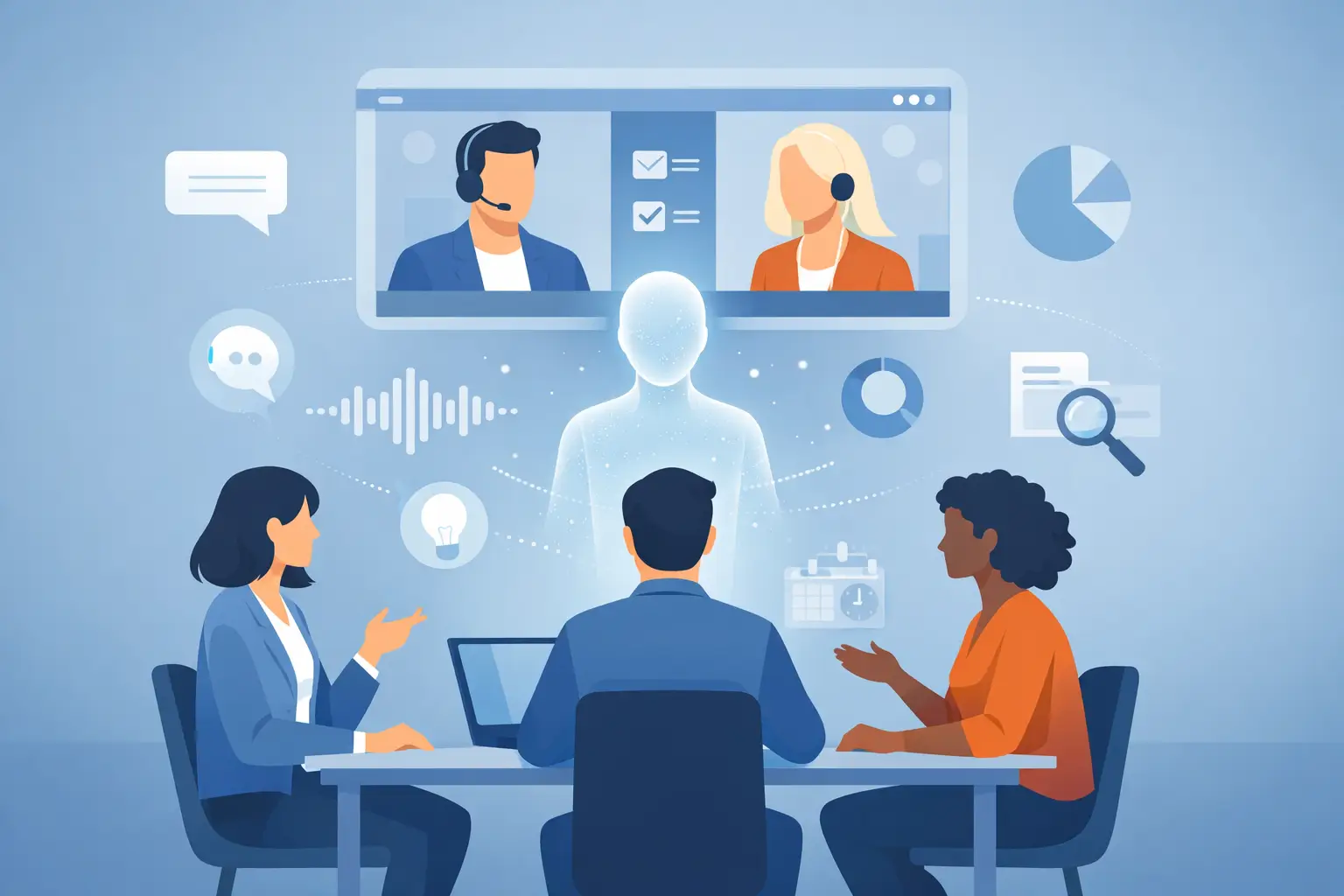
An invisible meeting assistant gives you a private layer of live context during the conversation. It listens to the call audio, follows the discussion, and puts useful guidance on your screen without turning the meeting into a performance of note-taking, tab-switching, or awkward pauses.
Visible to you. Invisible to the meeting.
That distinction changes how professionals prepare for and perform in consequential conversations.
An invisible meeting assistant is not another meeting bot
Traditional meeting tools usually work after the call. They record, transcribe, summarize, and send a recap when the conversation is already over. That documentation is useful, but it cannot help when a buyer asks, "How is this different from your competitor?" or when a hiring manager says, "Walk me through the architecture decision."
An invisible meeting assistant works in the moment. It turns live audio into speaker-aware transcript context, then surfaces relevant talking points, response structures, and reminders while the conversation is still moving.
The goal is not to replace judgment or feed you a script word for word. It is to remove the friction between what you know and what you can recall under pressure. You stay in control of the answer. The assistant helps you find the sharpest path to it faster.
This matters because high-stakes calls rarely reward the person with the most browser tabs open. They reward the person who sounds prepared, listens closely, and responds with control.
Private guidance, without a visible distraction
The word "invisible" should mean something concrete. It should not mean hiding a chatbot behind another window and hoping nobody notices.
A real private overlay sits above your workspace, remains readable to you, and stays outside the shared screen or recorded capture. With operating-system-level screen-capture exclusion, the meeting participants see the screen you chose to share, not your live guidance panel. You can keep your eyes on the call, your materials, and the conversation rather than constantly moving between documents.
That creates a more natural professional presence. You are not visibly searching for a note. You are not asking someone to repeat a question while you scan a crowded dashboard. You are not filling the silence with vague language while trying to reconstruct what was said five minutes earlier.
Privacy also has a practical boundary. Use an assistant in accordance with company policy, meeting expectations, and the rules of any assessment or interview. The strongest use case is authorized preparation and real-time support in professional conversations, not avoiding rules that explicitly prohibit outside assistance.
What stays in your private view
The right guidance depends on the call. During a sales conversation, that may mean objection-handling angles, account details, and discovery questions. During an interview, it may mean an accomplishment from your background, a structured answer framework, or a reminder to connect your experience to the role.
In a technical discussion, it may be a concise outline of trade-offs: performance versus maintainability, speed versus reliability, centralized control versus team autonomy. You still need the expertise to make the call. But you do not need to rely on memory alone when the room is waiting.
A strong setup can also use your own source material. Your CV, customer notes, product documentation, prior meeting summaries, and role-specific preparation can shape the context you see. Generic AI suggestions are easy to spot. Guidance grounded in your work sounds like you.
How it changes the rhythm of a meeting
The practical value is less about AI theater and more about maintaining momentum. A private assistant should reduce the small interruptions that make a capable person appear less prepared than they are.
First, it captures the conversation as it happens. Speaker-aware transcription helps separate who committed to what, who raised a concern, and which question still needs an answer. That is especially valuable when several stakeholders join a call and details start to blur.
Next, it converts the active context into useful prompts. If a prospect says implementation time is their concern, you need the implementation story, not a generic product feature list. If an interviewer asks about conflict, you need a clear situation, action, and result, not a vague reminder to "be confident."
Finally, it preserves what happened after the call. Searchable summaries and assigned action items turn a fast-moving conversation into accountable follow-through. The notes write themselves while you stay focused on the people in the room.
This workflow is especially effective for professionals who spend their days moving from one consequential call to the next. Context switching is expensive. Reconstructing a conversation from memory is expensive. Missing an owner or deadline is even more expensive.
Where live private guidance earns its place
Sales calls are an obvious fit, but they are not the only one. Account executives can keep discovery threads, customer history, and objection responses close without cluttering the shared presentation. Managers can track decisions, commitments, and unresolved risks while keeping the conversation human.
Job seekers can use personalized preparation to organize examples from their work history and answer behavioral questions with a cleaner structure. Technical candidates can review terminology, system concepts, and project details before a conversation, then use approved live prompts to stay composed when a question shifts unexpectedly.
Consultants and operators benefit in a different way. They often need to hear the actual issue behind a stakeholder's request, identify the decision point, and clarify ownership before the meeting ends. A live transcript plus private prompts helps them spot gaps before those gaps become another follow-up meeting.
The common thread is pressure. When the conversation matters, preparation should be available at the moment it matters most.
The trade-off: more information is not always better
An invisible meeting assistant can become a distraction if it tries to show everything. A dense transcript, a stream of suggestions, and five competing prompts can pull attention away from the person speaking. The result is the same problem as over-preparation: you stop listening because you are managing information.
The better approach is controlled relevance. Keep the overlay compact. Surface one useful response structure, one supporting fact, or one follow-up question at a time. Use custom hotkeys and click-through behavior so the tool adapts to your workflow instead of demanding a new one.
It also depends on the meeting type. For a short internal standup, post-call notes may be enough. For a complex sales negotiation, executive update, panel interview, or technical review, live context can have a much larger payoff. The more costly it is to lose the thread, the more valuable private guidance becomes.
Assistly is built for that second category: conversations where appearing composed is not cosmetic. It is part of the job.
A better standard for meeting readiness
The best meeting support does not make you sound automated. It makes you harder to catch unprepared.
You still need to understand your customer, your work, your role, and the stakes. No overlay can manufacture credibility from nothing. What it can do is protect your attention, sharpen your recall, and make sure the important detail is present when the question arrives.
Before your next high-pressure call, prepare the material you may need, define the few outcomes that matter, and let the conversation have your full attention. The strongest advantage is often quiet: a private prompt, a clear next step, and an answer that sounds like you saw it coming.