What a Meeting Copilot Should Do in Real Time
By Assistly ·
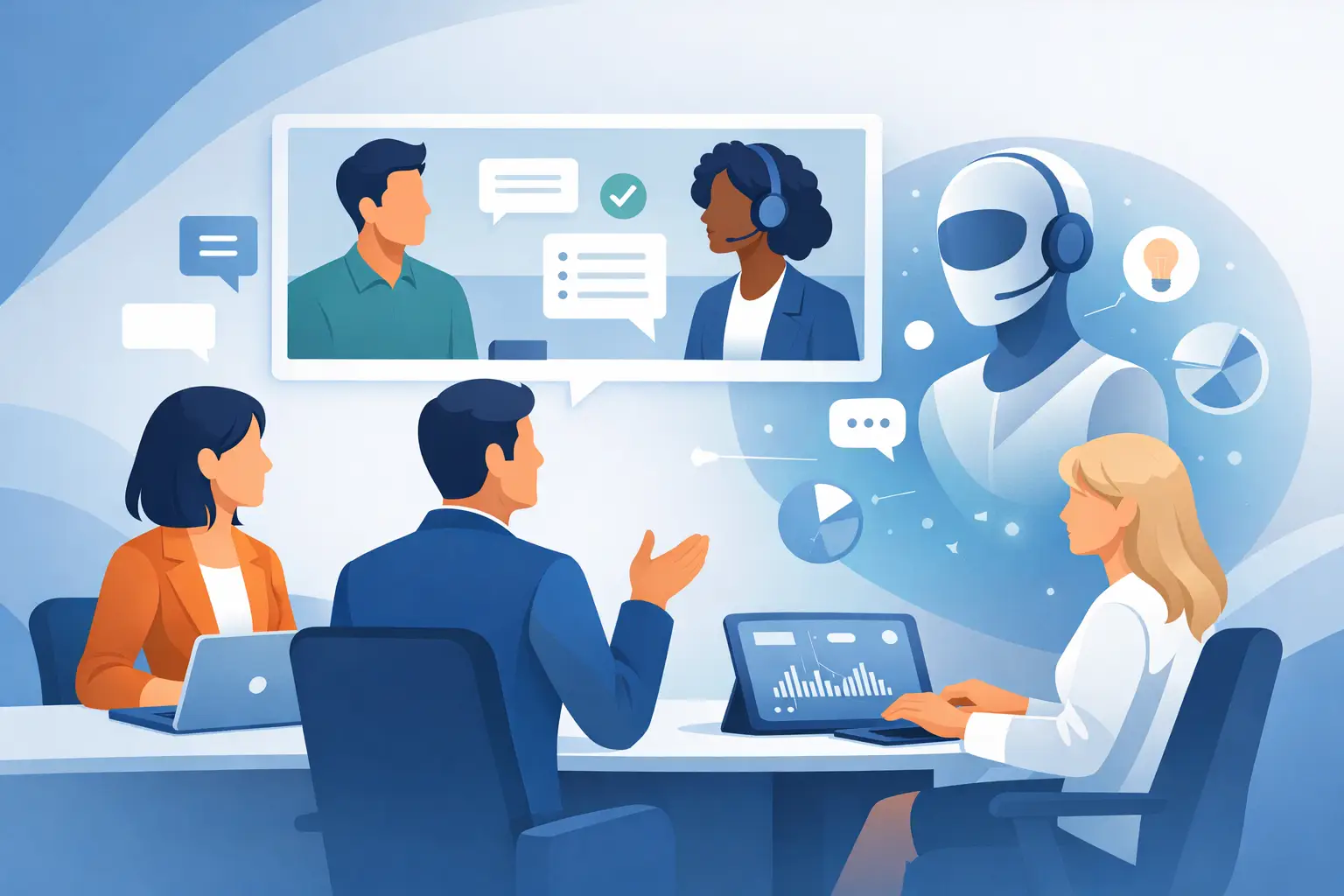
The hard part of a high-stakes call is rarely showing up. It is processing a fast-moving conversation, spotting what matters, answering without hesitation, and leaving with a clear record of what happens next. A meeting copilot gives you a private layer of live context while the conversation is still happening, not 20 minutes later when the details have already blurred.
That distinction matters. Meeting notes are useful after the fact. A meeting copilot is built for the moment when a prospect raises an unexpected objection, an interviewer asks a technical follow-up, or a client casually reveals the real blocker behind a delayed decision. The right guidance should help you stay present, not turn you into someone reading from a script.
A Meeting Copilot Is More Than a Transcript
Plenty of tools can record a call, create a summary, and send a recap. Those are table stakes. They help with documentation, but they do not help much when you need to form a smart response before the other person finishes their thought.
A useful meeting copilot combines three jobs: it listens, understands the active thread of the discussion, and surfaces the next best piece of context privately. That may be a talking point from your product materials, a structured answer to an interview question, a reminder of a prior commitment, or a follow-up item that should not get lost.
The goal is not to automate your voice. It is to remove the avoidable lag between hearing a question and finding the information you already have.
It should know who said what
Generic transcripts flatten a conversation into a wall of text. Speaker-aware transcription changes the value of the record because it preserves accountability and intent. You can see whether a concern came from the economic buyer, the technical evaluator, your hiring manager, or your own teammate.
That makes live prompts more precise, too. If a prospect says, “We already have a solution for that,” the best response depends on whether they are challenging price, implementation risk, feature coverage, or internal change management. Context without speaker attribution is often just noise with timestamps.
It should surface guidance, not distractions
A meeting assistant that floods the screen with paragraphs creates a new problem: cognitive overload. In a live conversation, useful guidance is compact. It gives you an angle, proof point, question, or response structure that can be delivered naturally in your own words.
For a sales rep, that might mean a concise way to acknowledge an objection, isolate its cause, and move toward a next step. For a candidate, it might mean a clean structure for an experience-based answer: context, action, result, and relevance to the role. For a manager, it may be the exact open question that turns a vague status update into an accountable decision.
The best prompt is not the longest one. It is the one that lets you keep eye contact, think clearly, and respond like you saw the question coming.
It should make follow-through automatic
A strong call can still fail in the handoff. Decisions disappear into chat threads. Owners are assumed rather than assigned. A vague promise to “circle back” becomes a delayed deal, a missed requirement, or another meeting that should not have been necessary.
Your copilot should produce a searchable post-session record with clear action items, owners, and key decisions. This is where the transcript becomes operational. Instead of replaying a 45-minute call to find one commitment, you have a usable source of truth while the momentum is still fresh.
Private Guidance Changes the Way You Show Up
There is a reason professionals hesitate to use visible meeting assistants. They do not want an intrusive bot joining the call, a shared screen full of notes, or an obvious prompt window pulling attention away from the person speaking.
Private on-screen guidance solves a different problem. You retain control over what is visible, when you need it, and how much of it you use. Your conversation remains yours. The assistant stays in the background.
Assistly is designed around that principle: guidance appears in a private overlay that remains visible to the user while being excluded from normal screen sharing and capture workflows. The practical result is simple. You can share slides, a spreadsheet, or a demo while keeping your live notes and prompts to yourself.
That privacy is not only about discretion. It protects conversational quality. When you are not switching tabs, searching a document, or visibly typing every detail, you can stay engaged with the room. The other person sees a prepared professional, not a person struggling to find the next line.
Personal context is what makes prompts credible
A generic AI answer may sound polished while missing the facts that make it persuasive. A better system can work from your CV, account notes, technical documentation, product positioning, or meeting prep materials. It can then shape prompts around the specific role, customer, or conversation.
For an interview, that means your strongest examples are available when the question appears, rather than buried in a preparation document. For a technical assessment, it means you can keep relevant concepts and response frameworks close without losing your train of thought. For account teams, it means the product language matches the deal you are actually discussing.
There is a trade-off. More source material can improve relevance, but only if the material is current and well organized. Outdated battlecards, inaccurate resume claims, or stale account notes will produce weak guidance faster. A meeting copilot amplifies preparation. It does not replace it.
Where a Meeting Copilot Delivers the Most Value
The highest-value use cases have one thing in common: the cost of a delayed, incomplete, or poorly framed answer is real.
In sales calls, live guidance helps reps handle objections without defaulting to feature dumping. The prompt can reinforce a better sequence: clarify the concern, confirm the impact, present the relevant proof, and agree on the next move. That creates control without sounding rehearsed.
In interviews, the pressure is different but just as immediate. Candidates need to connect their experience to the role, explain decisions under scrutiny, and avoid rambling when a question gets difficult. Role-specific interview guidance can keep answers structured while leaving room for judgment and personality.
In leadership and operations meetings, the value is often in retention. A copilot captures decisions, dependencies, and commitments while leaders focus on resolving the issue in front of them. The notes write themselves, but the real win is not administrative convenience. It is fewer dropped handoffs after the meeting ends.
Technical professionals can use the same model to keep requirements, architecture constraints, trade-offs, and open questions visible during design reviews or client conversations. The assistant should not pretend to be the expert. It should help the expert retrieve and organize the right information under time pressure.
Choose Control Over Automation Theater
Not every meeting needs live assistance. A casual internal check-in may only need a simple summary. But when the conversation affects revenue, hiring, credibility, delivery, or a customer relationship, real-time support earns its place.
Evaluate a meeting copilot by how it behaves under pressure. Can it distinguish speakers? Can it use your own source material? Does it offer short, usable guidance instead of generic prose? Can you control it with hotkeys and keep it out of the way when you do not need it? Does it turn the call into accountable next steps without creating extra work?
Also consider privacy and consent. Follow your organization’s policies and applicable recording requirements, especially when calls include external participants or sensitive information. A private workspace should strengthen professional judgment, not bypass it.
The right meeting copilot does not make conversations feel automated. It gives you a quieter advantage: the facts are close, the next move is clear, and your attention stays exactly where it belongs - in the room.