A Sales Call Assistant for Better Live Calls
By Assistly ·
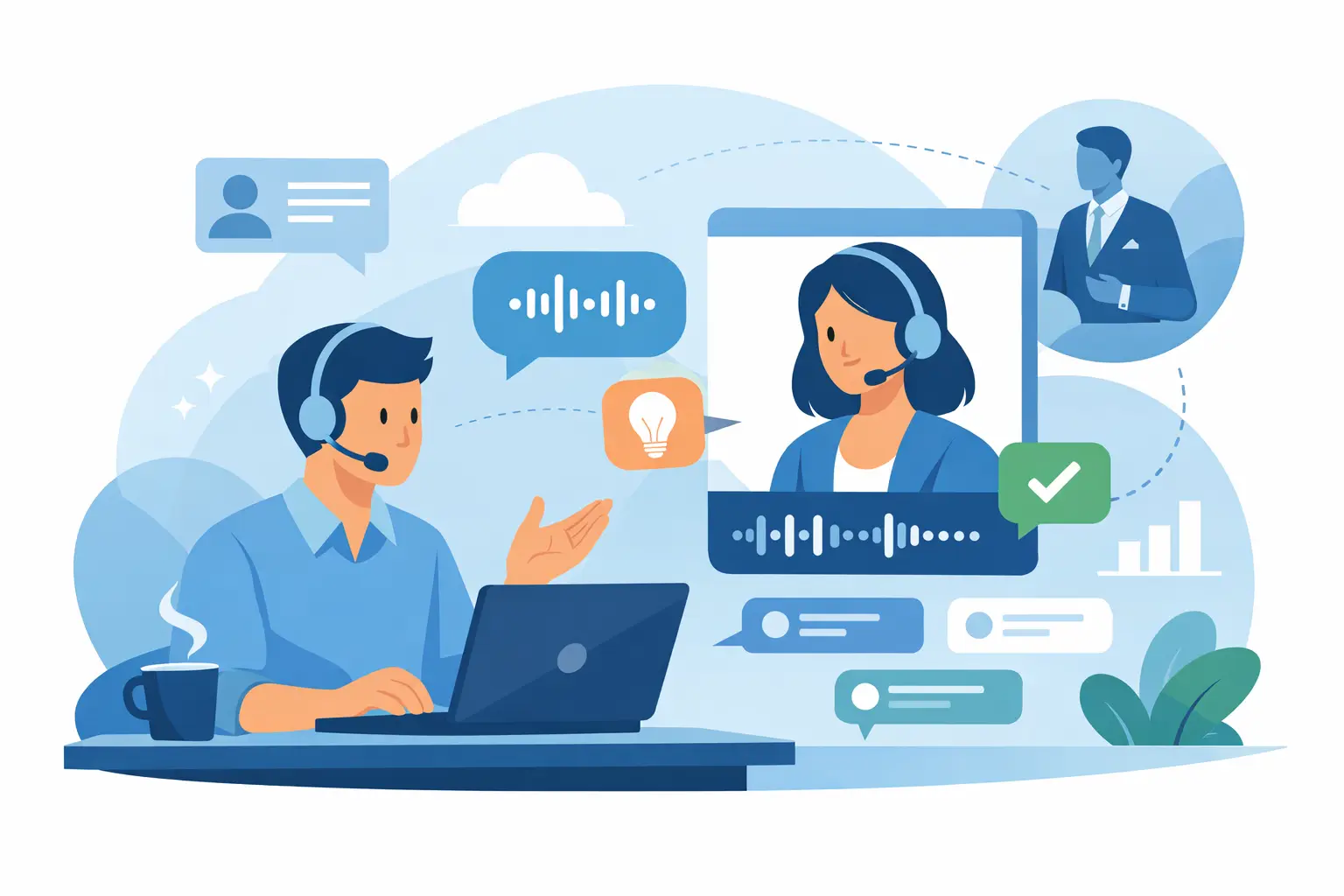
A prospect asks why they should switch now. Your champion goes quiet. The price objection is already on the table. This is not the moment to hunt through tabs, scramble for a case study, or type notes while trying to hold eye contact. A sales call assistant gives you the right context while the conversation is still moving.
The best sales conversations do not sound scripted. They sound prepared. Reps need room to listen, respond, qualify, and guide the next step without losing the thread. Real-time assistance makes that possible by turning live call audio into usable context: who said what, what objection surfaced, what proof point fits, and what must happen after the meeting.
What a Sales Call Assistant Should Do
A sales call assistant is not a teleprompter. It should not turn a sharp account executive into someone reading canned lines. Its job is to reduce the cognitive load that gets in the way of a good conversation.
That starts with a live, speaker-aware transcript. When a buyer mentions an existing tool, a security requirement, or a stalled internal process, you need a reliable record immediately. A transcript that separates speakers is far more useful than a wall of text because it preserves ownership. You can see whether the CFO raised a budget concern, the operations lead asked for implementation detail, or your own teammate committed to send documentation.
Then comes guidance. A useful assistant surfaces talking points based on the topic in front of you, not a generic library of sales tips. If the buyer asks about ROI, you need a way to frame business impact. If they push back on timing, you need a question that exposes the real blocker. If they compare you to a competitor, you need a concise differentiation point and a reason not to let the discussion turn into a feature checklist.
Finally, it should document the call without asking you to choose between listening and note-taking. A clean summary, key decisions, open questions, and assigned actions turn a strong conversation into actual pipeline movement.
The Live Advantage: Answer While the Moment Is Open
A deal rarely slips because a rep did not know the product. It slips because the rep missed the signal behind the question.
“Can your team support us?” may be a technical question. It may also be a concern about implementation risk. “We need to think about it” may mean no executive sponsor, no confirmed budget, or no urgency. A sales call assistant helps you stay present long enough to test the assumption instead of accepting the first answer.
Keep discovery moving
During discovery, live guidance should help you ask the next useful question. Not five questions. One. The kind that creates clarity.
When a prospect says their current process is manual, an effective prompt might steer you toward volume, error rate, cycle time, ownership, and the cost of doing nothing. That is stronger than jumping straight into a product pitch. The conversation remains theirs, but you do not leave value on the table because you forgot a qualification path.
This matters most when calls become unpredictable. Enterprise buying committees introduce new stakeholders. Technical evaluators ask detailed questions. Procurement joins late and reframes the evaluation around risk. Reps who can pull up relevant context without visibly breaking the flow are better positioned to respond with control.
Handle objections without sounding defensive
The goal of objection handling is not to win an argument. It is to identify what the objection is protecting.
For a price concern, the next move might be to confirm the financial trade-off of the current workflow. For a feature gap, it might be to determine whether that feature is a true requirement or a proxy for confidence in adoption. For a timing objection, it may be time to ask what event would make delay more expensive.
Live prompts help because they create a short pause between reaction and response. Instead of defaulting to a discount, a vague promise, or an overlong explanation, you can choose a structure: acknowledge the concern, clarify its impact, connect to evidence, and confirm the path forward. The buyer hears a composed answer. You keep the deal conversation grounded in facts.
Protect the conversation from tab chaos
A rep may have product notes, discovery research, pricing guidance, competitor context, and a previous call summary open at once. That is manageable until a buyer asks an unexpected question and the screen share is on.
Assistly keeps private, on-screen guidance visible to the user while excluding the overlay from screen shares and recordings at the operating-system level. The practical result is simple: your internal prompts and notes stay on your screen, while the buyer sees only what you intend to present. That helps preserve focus and prevents accidental exposure of internal information.
Use that capability responsibly. Follow your company’s policies for AI tools, customer data, and call recording. If a call is recorded or transcribed, ensure the appropriate disclosure and consent requirements are met. Privacy is not just about keeping your screen clean. It is about handling buyer information with discipline.
A Better Workflow Before, During, and After the Call
Preparation should give you an edge, not create another ritual that gets skipped when the calendar fills up. Load the relevant account notes, product materials, discovery framework, and prior meeting context before the call. The assistant should be able to use those materials as reference points rather than forcing you to search for them in real time.
During the conversation, let the transcript do the memory work. Watch for the moments that change the deal: a stated priority, a hidden stakeholder, a required integration, a success metric, or a commitment from either side. Use the on-screen guidance selectively. If you stare at prompts all call, you will sound less natural. The assistant is there to support your judgment, not replace it.
Afterward, review the summary while the call is still fresh. Confirm that action items have owners and dates. Capture the language the buyer used to describe their problem. That language belongs in the follow-up email, the mutual action plan, and the next call agenda. Generic recaps get ignored. A precise recap shows that your team listened.
A useful post-call record should answer a few practical questions without forcing someone to replay an hour of audio: What changed? What does the buyer need? What did we promise? Who is missing from the process? What is the next commitment, and when will it happen?
Where Live Sales Guidance Has the Most Impact
Not every call needs the same level of assistance. A first discovery call benefits from qualification prompts and account research. A product demo benefits from use-case proof points and a clear route back to business outcomes. A late-stage evaluation often needs stakeholder tracking, risk handling, and next-step discipline.
It also depends on the rep. A new SDR may need more structure around discovery and objection handling. An experienced AE may care more about retaining technical details, tracking commitments across a complex account, and keeping internal notes out of a shared screen. The assistant should adapt to the conversation and the operator, not force both into one script.
The trade-off is real: more prompts are not always better. Too much guidance can distract from tone, body language, and the buyer’s exact wording. Start with a focused knowledge set and a small number of response structures. Expand only when the assistant consistently saves time or improves the quality of follow-through.
How to Judge a Sales Call Assistant
Judge it by what happens under pressure. Can it capture both microphone and call audio accurately? Can it distinguish speakers? Does it provide relevant guidance quickly enough to matter? Can you personalize it with your sales materials and account notes? Does it stay out of your screen share while remaining readable to you?
Also judge the output after the call. A transcript alone is not a result. The result is a summary that makes the next action obvious, preserves buyer context, and reduces the chance that a commitment disappears into a CRM field no one checks.
The right assistant gives you more than notes. It gives you a quieter mental workspace when the conversation gets loud. Show up prepared, listen closely, and let the next smart move stay within reach.