Live Transcription for High-Stakes Conversations
By Assistly ·
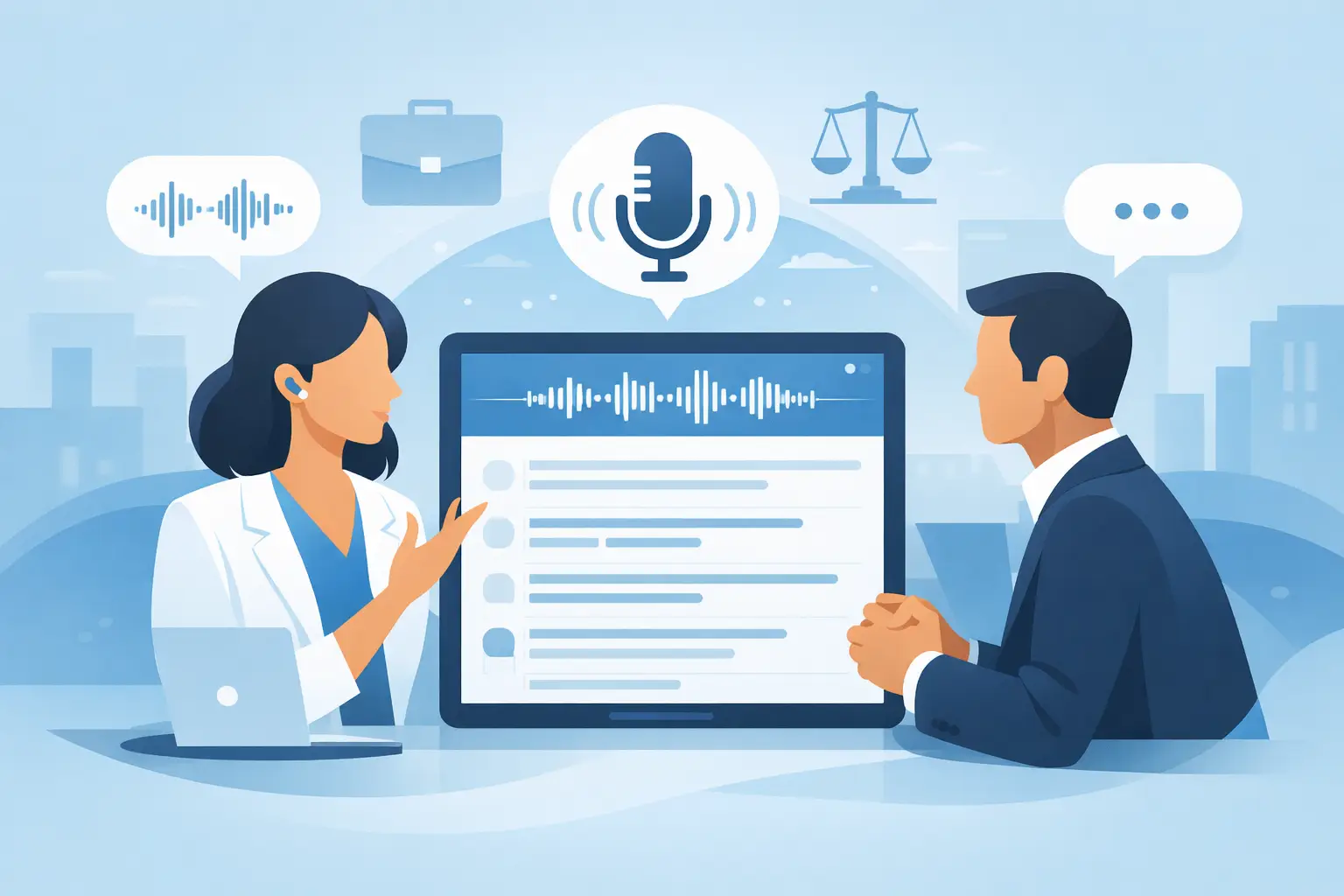
A customer asks the one question you did not expect. A hiring manager references a project from six months ago. An engineer explains a production issue at full speed. In moments like these, live transcription is not a convenience feature. It is the difference between guessing, scrambling to take notes, and staying fully present while the conversation moves.
The right system gives you a readable, speaker-aware record as people talk. More importantly, it helps you hold context without staring at a notebook, missing the next question, or relying on memory after a 45-minute call. You keep eye contact. You hear the details. You respond with control.
What live transcription actually does
Live transcription converts spoken audio into text while a meeting, call, interview, or technical discussion is still happening. It can capture your microphone, call audio, or both, then display the conversation in a running transcript.
That basic definition matters because not every transcription tool solves the same problem. A post-call recorder helps with documentation after the fact. Live transcription supports performance during the call itself. It gives you a second layer of attention when the stakes are high and the pace is unforgiving.
The useful version does more than put words on a screen. It identifies who said what, keeps the transcript readable as the topic shifts, and makes it easy to find a name, requirement, objection, or decision without interrupting the flow of the conversation.
For a sales rep, that could mean catching the exact reason a buyer is hesitant. For a candidate, it could mean tracking the wording behind a technical prompt. For a manager, it could mean separating a tentative idea from an assigned commitment. The transcript becomes working context, not a pile of text to review later.
Why high-pressure conversations expose weak note-taking
Manual notes force a trade-off. Write everything down, and you stop listening. Focus entirely on the speaker, and the details begin to blur by the next agenda item. Even strong communicators miss information when they are expected to process, evaluate, and answer at the same time.
This gets harder in calls with multiple speakers, unfamiliar terminology, numbers, acronyms, and rapid follow-up questions. It also gets harder when you are managing your own presence. You need to sound composed, not like someone searching through half-finished notes.
Live transcription reduces that cognitive load. It does not replace judgment. It gives judgment better raw material in real time.
That distinction is worth protecting. A transcript can show you the exact customer statement, but it cannot decide whether the right response is to clarify, challenge, concede, or move forward. The professional still owns the conversation. The tool simply makes it less likely that a critical detail disappears while you are focused on the person across from you.
The features that separate a useful transcript from noise
Accuracy matters, but it is only the starting point. A transcript that looks polished after the meeting is less valuable if it lagged, mixed up speakers, or made it hard to scan while the conversation was happening.
Look for four capabilities that support live performance:
- Speaker awareness helps you attribute questions, requests, and decisions to the right person. This is especially valuable in panel interviews, discovery calls, and cross-functional meetings.
- Low-delay text keeps the transcript close enough to the conversation that you can use it before the topic has moved on.
- Searchable session history lets you return to exact phrasing after the call instead of reconstructing the discussion from memory.
- Action-oriented summaries turn spoken commitments into follow-through, with owners and next steps that can be checked rather than assumed.
Audio quality still determines a large part of the result. Overlapping voices, weak microphones, background noise, and poor network audio can reduce accuracy. Specialized vocabulary can also create mistakes until a system has enough context to interpret it correctly. Treat the transcript as a highly capable running record, not a legal-grade source of truth without review.
Use live transcription without breaking your natural rhythm
The best setup is the one you can rely on without turning it into another task. Before a consequential call, make sure the correct audio inputs are selected and that the transcript window is placed where you can glance at it without visibly breaking attention.
Then give the system context. A role description, account notes, product information, project documentation, or your own career history can make related guidance and summaries more relevant. Context does not excuse poor listening. It helps the assistant recognize what matters when a familiar name, product, or requirement appears.
During the conversation, use the transcript selectively. Scan it when a new topic begins, when a number or deadline is mentioned, when a participant asks a layered question, or when you need to confirm what was just agreed. Do not read every line. That recreates the same distraction the tool is meant to remove.
Afterward, validate the summary while the call is fresh. Confirm owners, dates, and commitments. A transcription system can capture the words, but only the people responsible can confirm whether “we should” became “I will.”
Privacy is part of the product, not a footnote
A transcript contains conversation data, and conversation data can be sensitive. Client priorities, interview details, pricing, internal incidents, and personal information should not be treated casually just because they were discussed on a video call.
Before choosing a tool, ask direct questions. Where is audio processed? What is retained? Can sessions be deleted? Who can access transcript history? Does the provider use session data to train models? Are there controls for separating personal and work material?
There is another privacy issue: notification and consent. Recording and transcription rules vary by jurisdiction, company policy, meeting platform, and the type of conversation. In many settings, participants should be informed or must consent before audio is captured. A private workspace can reduce visual clutter and protect your screen from accidental exposure, but it does not remove your obligation to follow applicable rules and workplace policies.
That boundary matters. Use live assistance to prepare better, listen better, and document legitimate professional conversations. Do not use it to misrepresent your abilities, violate assessment rules, or capture people without required notice.
A private advantage should stay private
In a live meeting, visibility changes behavior. If your notes cover the screen, appear in a shared recording, or force you to switch windows repeatedly, the tool becomes part of the performance problem.
That is why on-screen delivery matters. Assistly is designed to keep live speaker-aware transcripts, guidance, and follow-up context available in a private overlay while you stay focused on the meeting. The goal is simple: useful information in your field of view, without turning your workspace into a distraction for everyone else.
A private display is particularly practical when you need to review a customer requirement, track an interviewer’s multi-part question, or catch an action item before the meeting ends. It preserves the normal rhythm of the call. You are still the person speaking, deciding, and building trust. You just have better recall available at the exact moment it counts.
Where live transcription earns its place
In sales, it helps teams capture objections in a buyer’s own language and turn a promising conversation into a precise follow-up. In interviews, it helps candidates track questions and structure answers under pressure, while staying honest about the rules of the process. In technical calls, it preserves error messages, dependencies, implementation decisions, and ownership details that are easy to lose in fast discussion.
Managers and consultants benefit differently. They can listen for alignment, flag unresolved decisions, and leave with an accountable record rather than a vague sense of what the room agreed. The value is not that every meeting becomes longer or more documented. The value is that fewer important details require a second meeting to recover.
The strongest habit is simple: let the transcript hold the details so you can hold the conversation. When the next difficult question arrives, you will not need to look like you are searching for the answer. You will have the context to respond like you were ready for it.